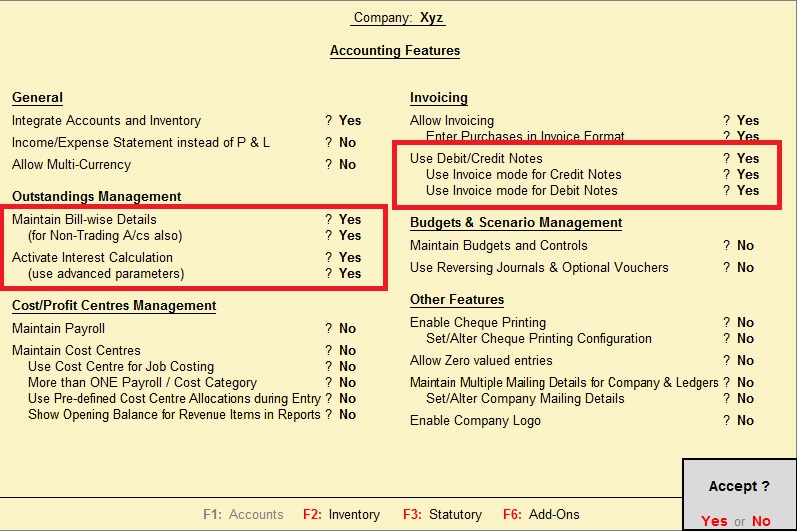
GST ACTIVATION

GST ACTIVATION 1. Open the company. 2. Press F11 key. 3. Click on "Statuary and Taxation" 4. Enable Goods and Service Tax (GST) 5. Enable "Set/alter GST details" 6. Fill the following details. 7. Now save the settings. GST LEDGERS CREATION SALES LEDGER FOR GST Ledger name: Sales @ 18% a/c Under: Sales Accounts Is GST Applicable: Applicable Types of Supply: Goods SGST LEDGER Ledger name: SGST @18% a/c Under: Duties & Taxes Type of duty/tax: GST Tax type: State Tax Percentage of calculation: 9% CGST LEDGER Ledger name: CGST @18% a/c Under: Duties & Taxes Type of duty/tax: GST Tax type: Central Tax Percentage of calculation: 9% GST VOUCHER ENTRY 1. Click on "Accounting Voucher" 2. Click on "Sales" or either press "F8" 3. Enter party details. 4. Enter Sales ledger. 5. Enter stock item details...